Demo
Agencies
Coaches
Creators
Pricing
Features
Affiliate
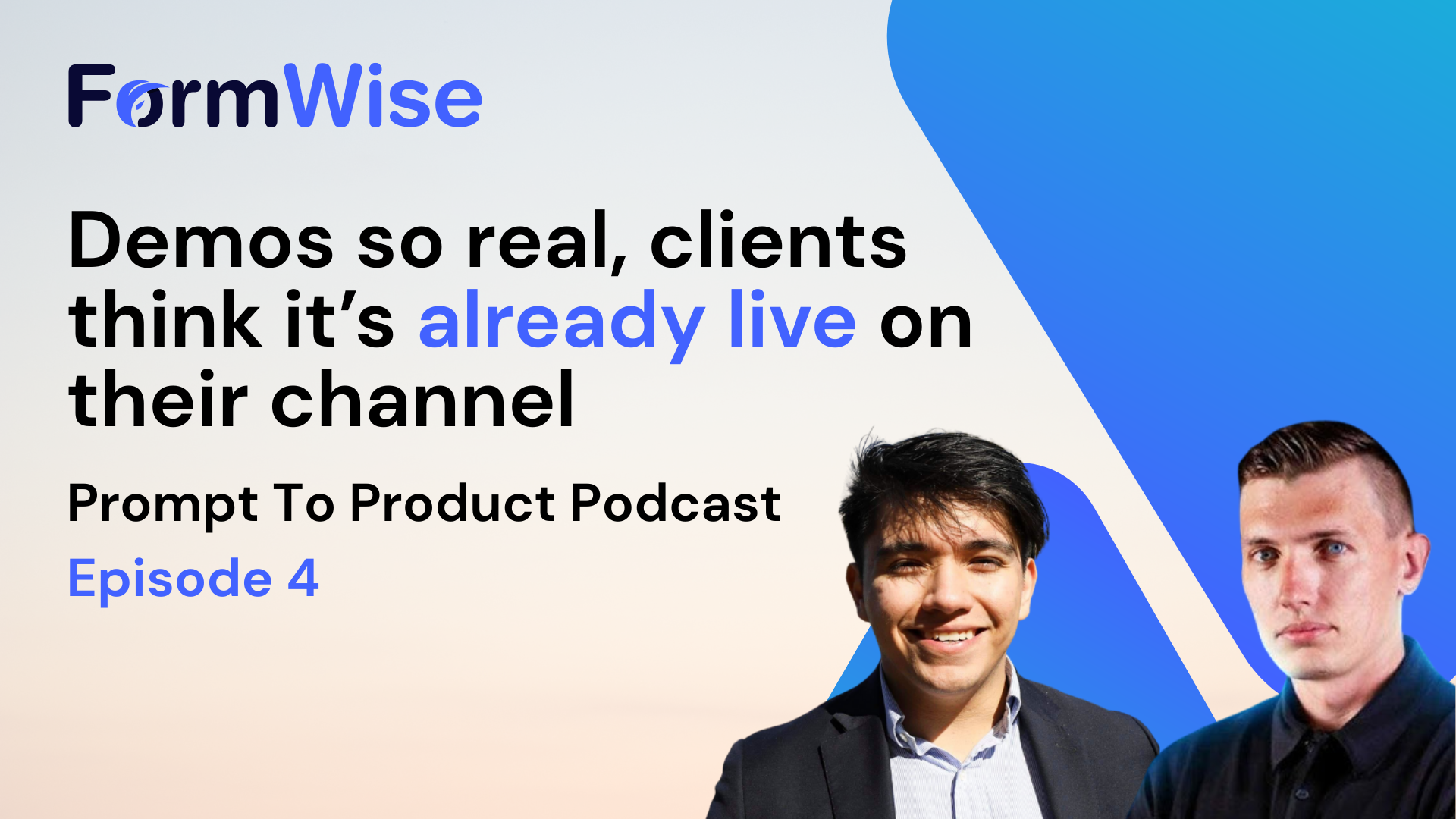


If you’ve ever tried to sell an “AI tool” to a business owner and watched their eyes glaze over… you’re not alone.
In this episode of the Prompt to Product podcast, Javier Velazquez (FormWise co-founder) sits down with Jeff Vanasdal, founder of BotMockups.com, to talk about a problem we see constantly:
People are building genuinely useful AI assets…
…but they’re selling them like engineers.
And the market doesn’t buy jargon.
The market buys clarity.
This conversation is basically a masterclass in how to bridge the “sales gap” between a powerful AI workflow and a non-technical business owner who just wants more leads, more booked calls, and fewer fires.
Let’s break down what matters — and how you can apply it immediately in your FormWise builds.
Javier and Jeff hit a truth that every agency owner and coach needs to hear:
Most AI sellers describe capabilities.
Prospects want outcomes.
You say:
They hear:
This is why “AI offers” often stall even when the underlying tool is great.
The issue isn’t the tech.
It’s the translation.
And the fastest translation layer is visual.
Jeff built BotMockups for one main reason: show the tool in the prospect’s world.
Not in a generic demo account.
Not in a “here’s a login, good luck” experience.
Instead, a seller can demonstrate:
This is the difference between:
“We can add AI to your business.”
and
“Here’s what your customers will see next week.”
That second one sells.
And it’s a perfect match for how FormWise builders should think, too:
Jeff also walked through an upcoming V2 version of BotMockups with a set of features that are very “agency-minded.” The through-line is simple: reduce the time from lead → personalized demo → close.
Here are the highlights and why they matter.
A built-in lead tool that finds businesses by niche and location.
Why it matters: your pipeline stops being “who do I know?” and becomes “who fits my offer?”
If you’re a GHL agency or niche consultant, this pairs incredibly well with a repeatable FormWise Toolset offer:
When your tool is productized, lead lists become monetizable faster.
The platform detects whether a business is currently running ads, which signals budget.
Why it matters: it filters for buyers.
If you’ve sold marketing services, you already know the pain of pitching AI to someone who can’t or won’t pay. This is a shortcut to prospects who are already spending.
Automatically screenshots a prospect’s website and creates a widget that matches brand colors.
Why it matters: personalization at scale.
Personalization is one of the biggest levers in closing AI deals. But doing it manually kills your time. If the mockup is fast, you can do 20 “personalized” outreach messages in the time it used to take to do 3.
Mockups for web chat, inbound phone (AI voice), SMS, and database reactivation.
Why it matters: it lets you sell systems, not widgets.
Most small businesses don’t need “an AI bot.”
They need:
Multi-channel mockups help you frame AI as an operating layer across the customer journey.
This was one of the most practical sections of the episode.
Jeff recommends recording a quick personalized screen-share video (Loom style) showing the prospect their mockup — rather than giving them access to test the tool themselves.
Because when you give a non-technical buyer a sandbox, they often:
A Loom flips the experience:
Here’s a simple script you can steal:
Now layer in FormWise and you get a killer combo:
mockup → Loom → real tool delivery.
A mockup sells the concept.
FormWise ships the system.
Here’s how to connect the dots:
Use SmartForms to turn a messy prompt into a guided flow:
SmartForms eliminate prompt anxiety and make your AI feel like software, not “ChatGPT homework.”
CoPilots shine when the user needs back-and-forth:
Toolsets let you bundle multiple tools into one branded dashboard — and gate access with Login Mode (user accounts, Stripe, credits).
That means you can sell:
This is how you stop selling hours and start selling assets.
If you want to dig into gating + monetization mechanics, FormWise has dedicated docs here: https://manual.formwise.ai/formwise/core-features/login-mode-and-monetization
Javier and Jeff agree the market is still wide open.
A shocking number of small businesses still lack basics like:
So if you’re worried “AI is saturated,” zoom in.
The winners won’t be the people selling generic AI.
They’ll be the ones selling simple, visual, niche systems that solve one pain point and fit into the client’s day-to-day.
If you’re building AI assets and struggling to sell them, don’t start by rewriting your prompts.
Start by improving the demo.
Then build the tool behind it.
Here’s a fast execution plan:
Ready to build your first monetizable AI asset?
Start here: https://app.formwise.ai/
Want more real-world builds, teardown feedback, and what other agencies are shipping?
Join the FormWise community: https://www.facebook.com/groups/181507861300697/
Ship the demo. Ship the asset. Get paid.


If you’ve ever tried to sell an “AI tool” to a business owner and watched their eyes glaze over… you’re not alone.
In this episode of the Prompt to Product podcast, Javier Velazquez (FormWise co-founder) sits down with Jeff Vanasdal, founder of BotMockups.com, to talk about a problem we see constantly:
People are building genuinely useful AI assets…
…but they’re selling them like engineers.
And the market doesn’t buy jargon.
The market buys clarity.
This conversation is basically a masterclass in how to bridge the “sales gap” between a powerful AI workflow and a non-technical business owner who just wants more leads, more booked calls, and fewer fires.
Let’s break down what matters — and how you can apply it immediately in your FormWise builds.
Javier and Jeff hit a truth that every agency owner and coach needs to hear:
Most AI sellers describe capabilities.
Prospects want outcomes.
You say:
They hear:
This is why “AI offers” often stall even when the underlying tool is great.
The issue isn’t the tech.
It’s the translation.
And the fastest translation layer is visual.
Jeff built BotMockups for one main reason: show the tool in the prospect’s world.
Not in a generic demo account.
Not in a “here’s a login, good luck” experience.
Instead, a seller can demonstrate:
This is the difference between:
“We can add AI to your business.”
and
“Here’s what your customers will see next week.”
That second one sells.
And it’s a perfect match for how FormWise builders should think, too:
Jeff also walked through an upcoming V2 version of BotMockups with a set of features that are very “agency-minded.” The through-line is simple: reduce the time from lead → personalized demo → close.
Here are the highlights and why they matter.
A built-in lead tool that finds businesses by niche and location.
Why it matters: your pipeline stops being “who do I know?” and becomes “who fits my offer?”
If you’re a GHL agency or niche consultant, this pairs incredibly well with a repeatable FormWise Toolset offer:
When your tool is productized, lead lists become monetizable faster.
The platform detects whether a business is currently running ads, which signals budget.
Why it matters: it filters for buyers.
If you’ve sold marketing services, you already know the pain of pitching AI to someone who can’t or won’t pay. This is a shortcut to prospects who are already spending.
Automatically screenshots a prospect’s website and creates a widget that matches brand colors.
Why it matters: personalization at scale.
Personalization is one of the biggest levers in closing AI deals. But doing it manually kills your time. If the mockup is fast, you can do 20 “personalized” outreach messages in the time it used to take to do 3.
Mockups for web chat, inbound phone (AI voice), SMS, and database reactivation.
Why it matters: it lets you sell systems, not widgets.
Most small businesses don’t need “an AI bot.”
They need:
Multi-channel mockups help you frame AI as an operating layer across the customer journey.
This was one of the most practical sections of the episode.
Jeff recommends recording a quick personalized screen-share video (Loom style) showing the prospect their mockup — rather than giving them access to test the tool themselves.
Because when you give a non-technical buyer a sandbox, they often:
A Loom flips the experience:
Here’s a simple script you can steal:
Now layer in FormWise and you get a killer combo:
mockup → Loom → real tool delivery.
A mockup sells the concept.
FormWise ships the system.
Here’s how to connect the dots:
Use SmartForms to turn a messy prompt into a guided flow:
SmartForms eliminate prompt anxiety and make your AI feel like software, not “ChatGPT homework.”
CoPilots shine when the user needs back-and-forth:
Toolsets let you bundle multiple tools into one branded dashboard — and gate access with Login Mode (user accounts, Stripe, credits).
That means you can sell:
This is how you stop selling hours and start selling assets.
If you want to dig into gating + monetization mechanics, FormWise has dedicated docs here: https://manual.formwise.ai/formwise/core-features/login-mode-and-monetization
Javier and Jeff agree the market is still wide open.
A shocking number of small businesses still lack basics like:
So if you’re worried “AI is saturated,” zoom in.
The winners won’t be the people selling generic AI.
They’ll be the ones selling simple, visual, niche systems that solve one pain point and fit into the client’s day-to-day.
If you’re building AI assets and struggling to sell them, don’t start by rewriting your prompts.
Start by improving the demo.
Then build the tool behind it.
Here’s a fast execution plan:
Ready to build your first monetizable AI asset?
Start here: https://app.formwise.ai/
Want more real-world builds, teardown feedback, and what other agencies are shipping?
Join the FormWise community: https://www.facebook.com/groups/181507861300697/
Ship the demo. Ship the asset. Get paid.

.png)
.png)
.png)